Anti-theft Alarm
To Enable or Disable Anti-theft:
From the Devices List
Navigate to Devices form the top navigation bar.
Select the device you want to update.
Click on
Send Commandsat the top of the screen.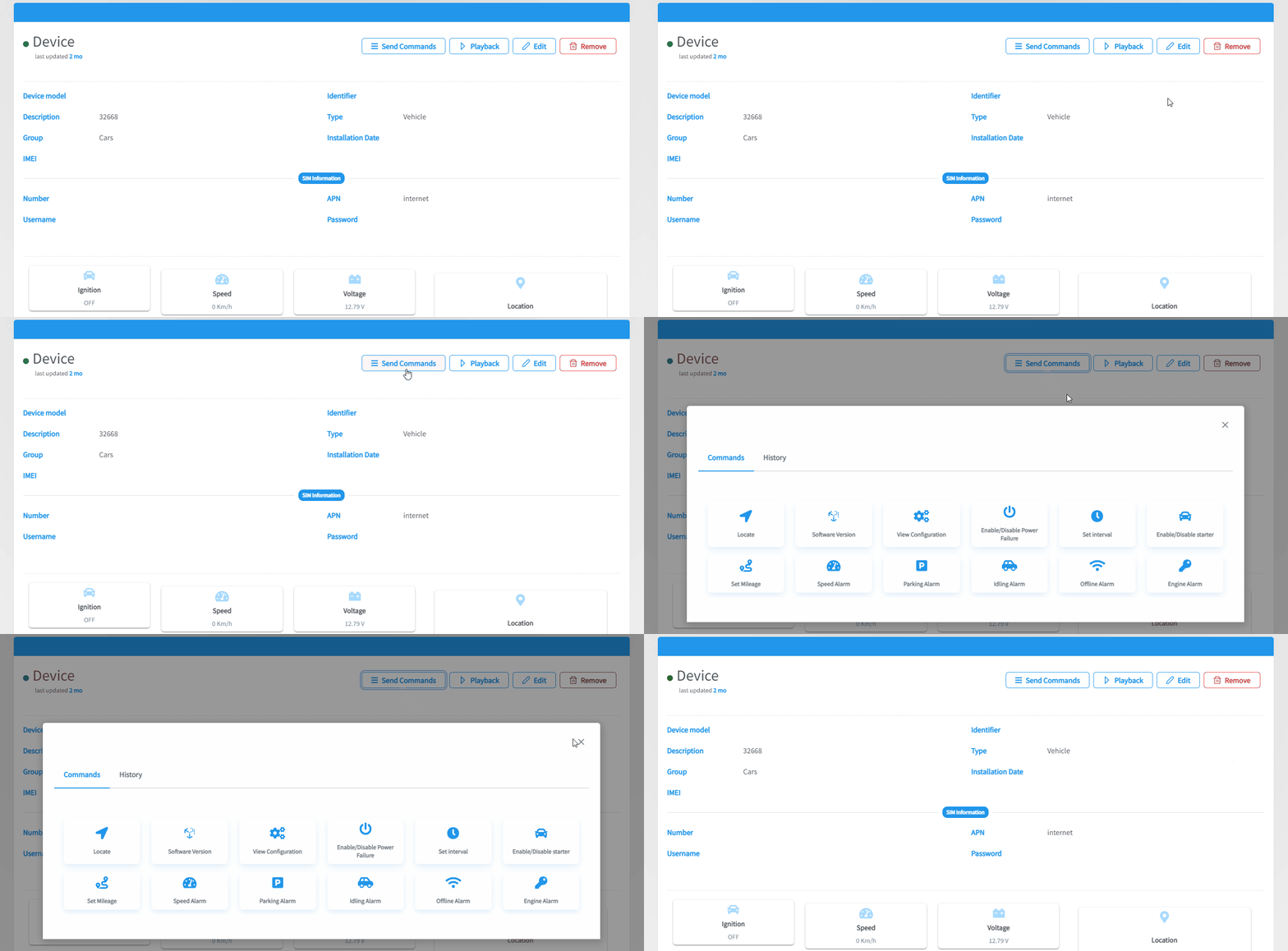
Click on
Enable/Disable Anti-Theft.A switch will appear to enable or disable the anti-theft alarm.
From the Map
- Head to the map from the top navigation bar.
- Select the device you want to update from the Devices List on the left side of the screen.
- Click on
Send Commandsfrom the Details Card on the bottom of the screen. - Click on
Enable/Disable Anti-Theft. - A switch will appear to enable or disable the anti-theft alarm.