Locating a Device
To locate a device within the map:
From the Devices List
Navigate to Devices form the top navigation bar.
Click on the device name you want to send commands to.
Click on
Send Commandsbutton.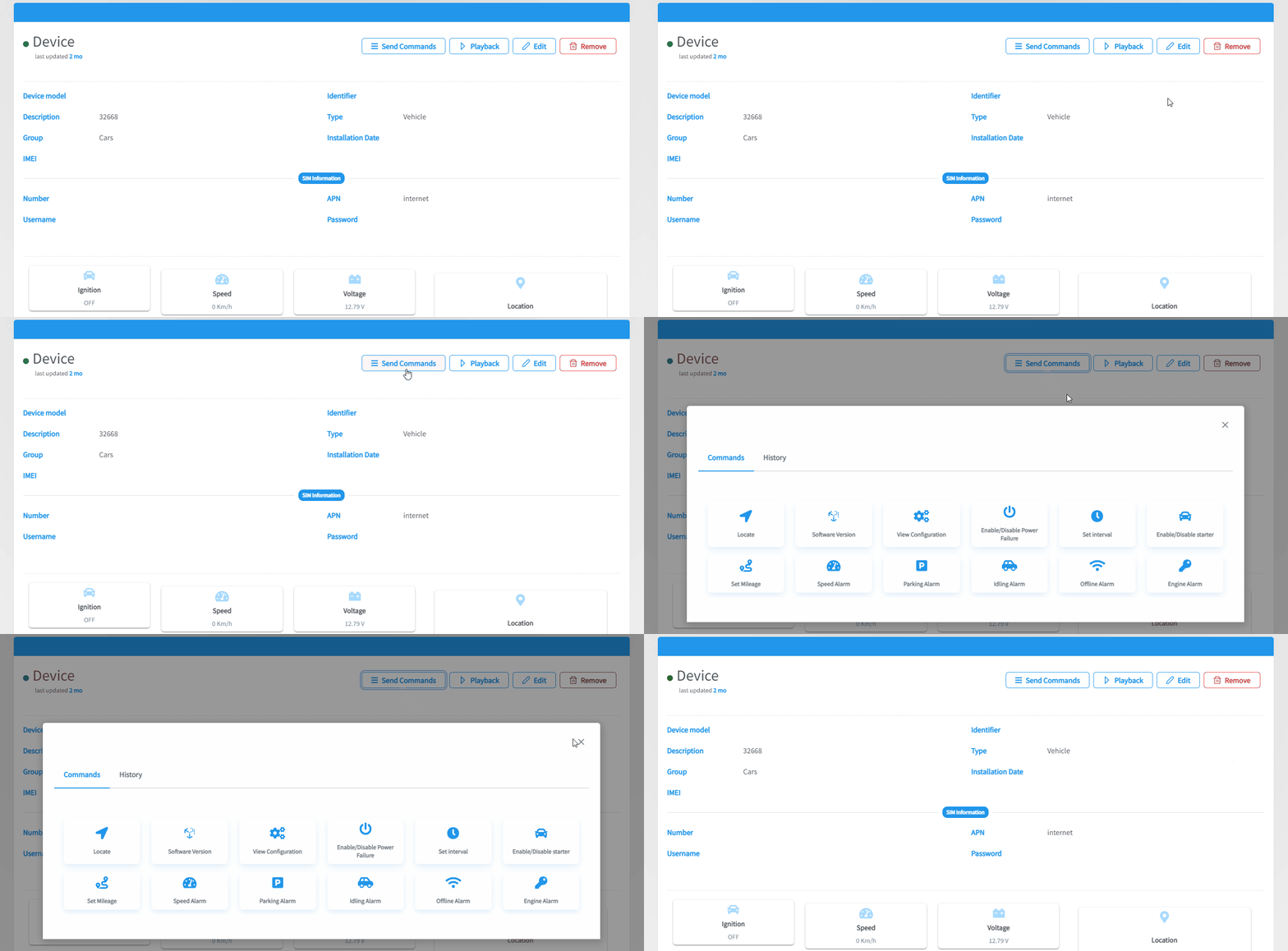
A pop up will appear , Click on
Locate.
From the Map
Head to the map and select the device you want to locate from the devices list which is located on the left of the screen..
Then, either:
- Click on
Locateon the details card that will show up at the bottom of the screen.
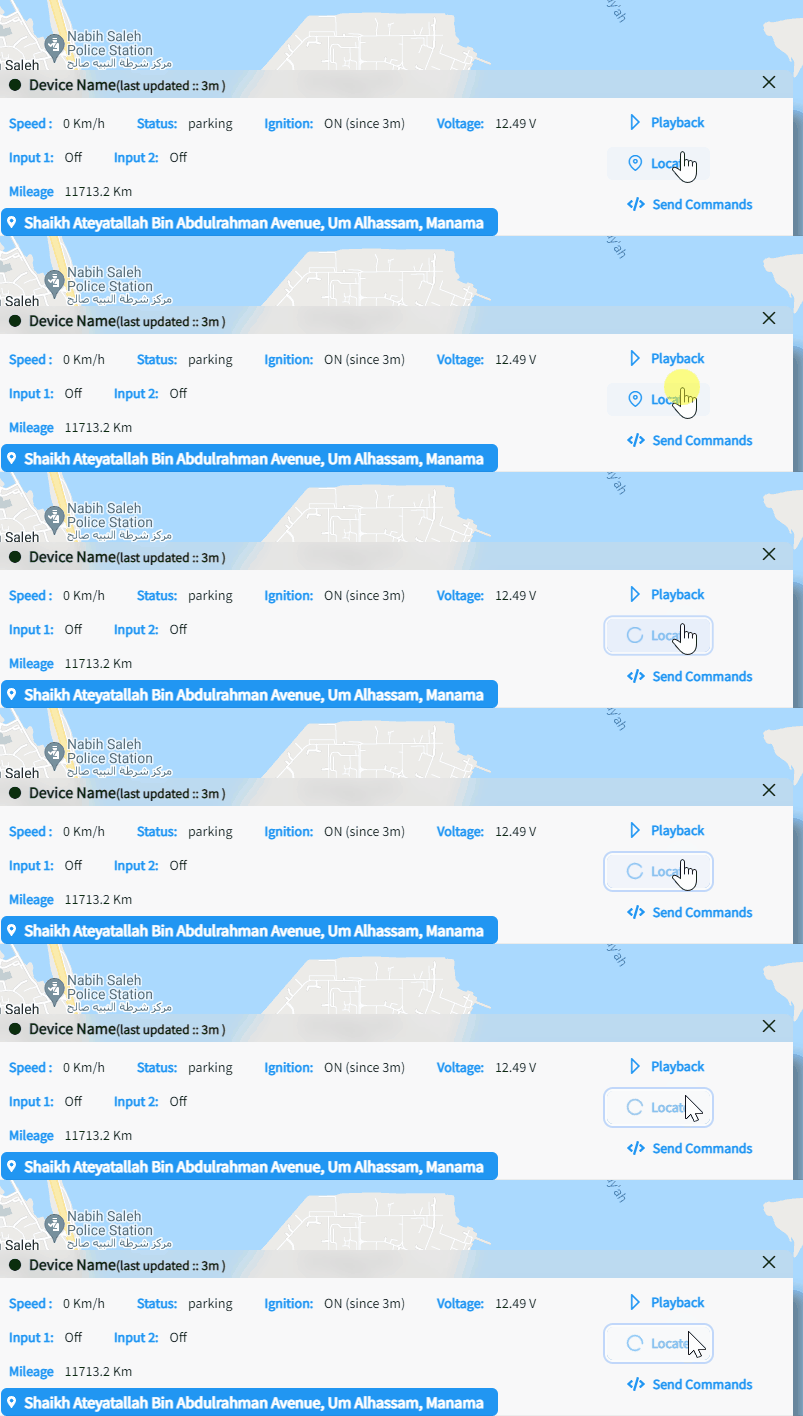
- From the details card, click on
Send Commandsthen click on Locate. - The device will locate itself automatically on the map
- Click on