Editing Your Identifier
- Open the user menu by clicking on your avatar on the top of the screen.
- Navigate to
User Settings.
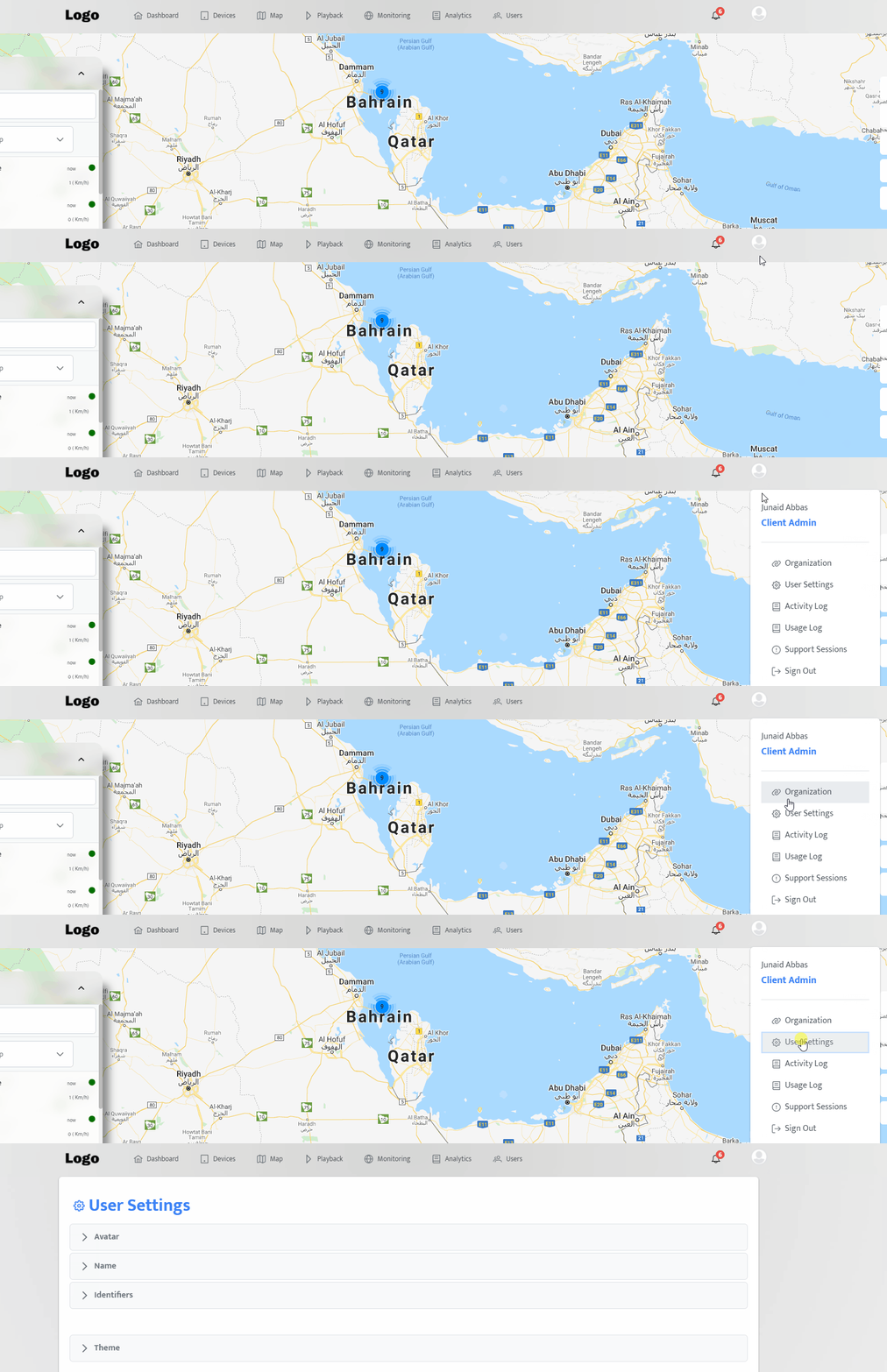
- Open the Identifiers panel.
Adding new identifier
- Click on the
+button. - Fill in the required data.
- Click on the
Addbutton.
Verify an identifier
- Click on the
Verifybutton. - An OTP will be sent to your identifier.
- Enter the received OTP.
- Click on the
Verifybutton.
Making an identifier primary
- Click on the
Make Primarybutton.
Removing an identifier
- Click on the
deletebutton.